

Our Services
Explore our range of services designed to help you move forward with confidence, wherever you're headed next.

What We Offer
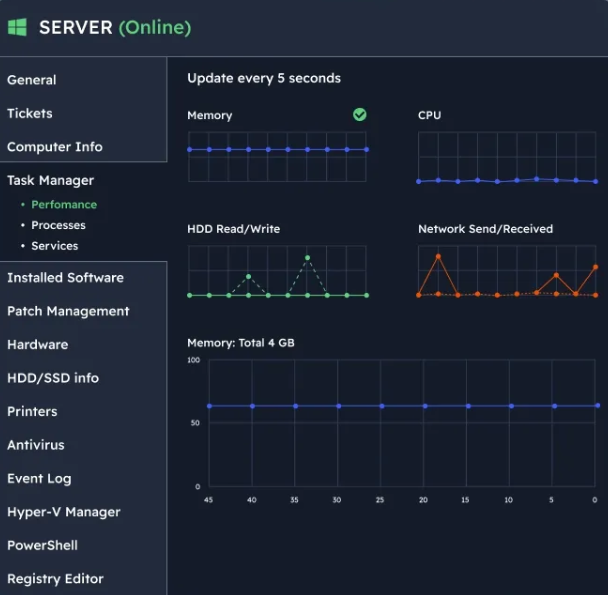
Managed IT Services
Complete management of your business technology.
Helpdesk support
Device monitoring
Patch management
Hardware lifecycle planning
User management
Vendor liaison
Microsoft 365
Modern workplace solutions that improve productivity and collaboration.
Microsoft 365 licensing
Exchange Online
Teams deployment
SharePoint implementation
OneDrive management
Security configuration
Cybersecurity
Protecting your business from modern threats.
Endpoint protection
Managed detection and response
Multi-factor authentication
Security reviews
Email security
User awareness guidance
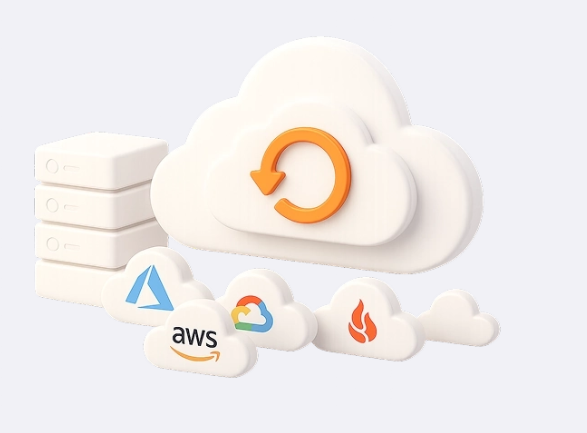
Backup & Recovery
Business continuity solutions designed to protect your data.
Microsoft 365 backup
Server backup
Endpoint backup
Disaster recovery planning
Backup monitoring
Recovery testing
Projects & Migrations
Planned, structured technology projects.
Microsoft 365 migrations
Email migrations
SharePoint deployments
Infrastructure upgrades
Security improvements
Cloud adoption projects

Start a Secure Remote Support Session
Enter your unique support code in the box on the left.
Click Connect.
Download and run the ScreenConnect client if prompted.
Accept the connection request when asked.
A technician will then be able to securely connect to your device and provide support.
Privacy Notice: Remote access is only initiated with your consent and can be ended at any time.

What You GainReduced downtime
Better security
Predictable costs
Faster support responses
Improved productivity
A trusted technology partner
Industries We SupportProfessional services
Property management
Construction and trades
Manufacturing
Community organisations
Small and medium businesses